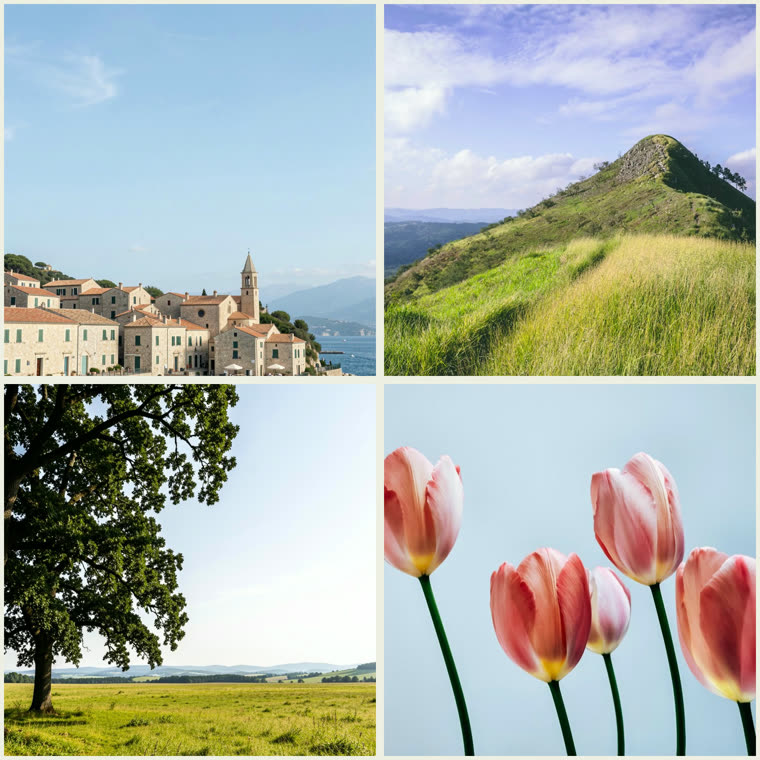

How to Use Picture Collage Maker
- Add your pictures by dragging, clicking, or pasting
- Pick a layout and a shape
- Style the background, spacing, and corners
- Add an optional caption
- Click Download PNG to save your collage
Features
- Combine 2 to 6 pictures into one collage
- Grids, feature splits, and mosaic layouts
- Square, portrait, story, landscape, and 3:2 shapes
- Background color or gradient, spacing, corners, and a caption
- Download a high-res PNG — free, no signup, no watermark
Frequently Asked Questions
- Is the picture collage maker free?
- Yes — free with no signup and no watermark. Your pictures are processed entirely in your browser and never uploaded.
- How many pictures can I use?
- Most layouts hold 2 to 6 pictures. Choose the layout that matches how many you want to combine.