- How does AI photo background blur work?
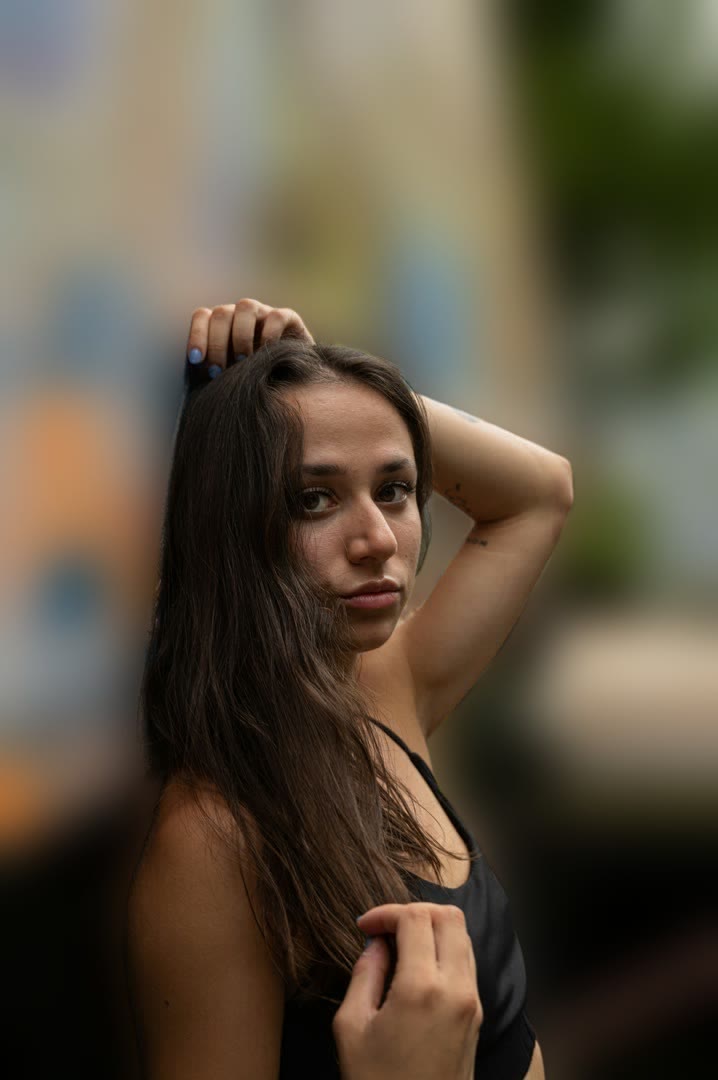
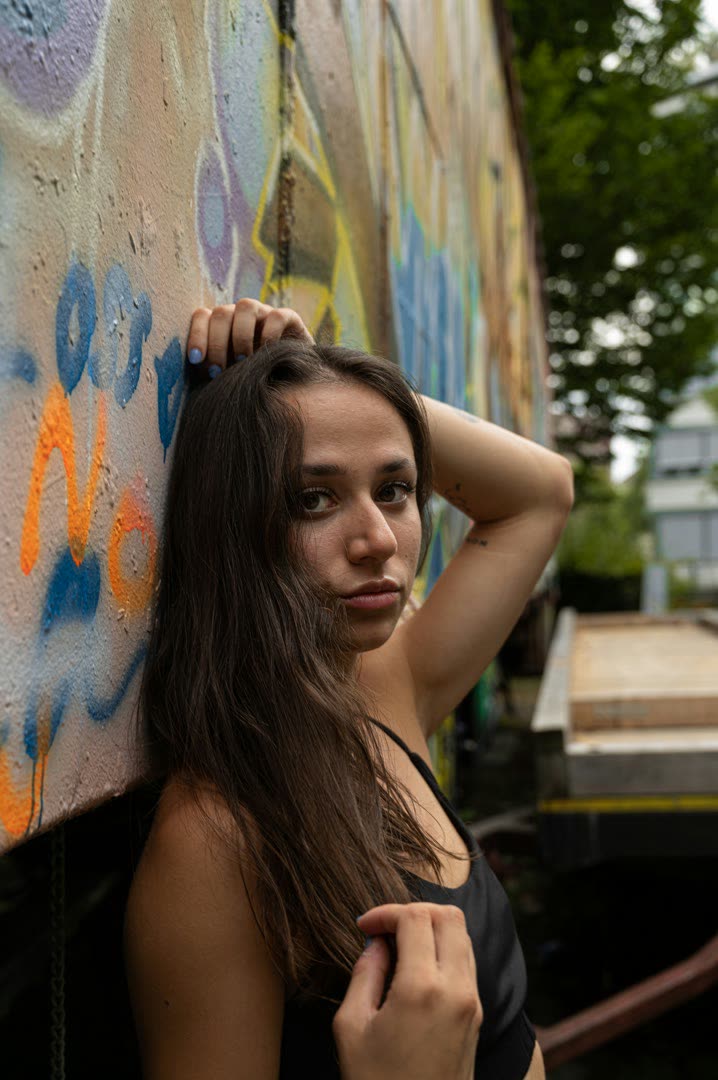
- We run our AI — a neural network trained for high-resolution salient-object segmentation — to identify your subject and produce a soft mask. Then we apply gaussian blur to only the background pixels and composite the sharp subject back on top. The result mimics the bokeh from a DSLR with a wide-aperture lens.
- Will it work on photos without people?
- Yes — our AI is trained on a wide range of subject classes including products, pets, food, plants, and objects. As long as there's a clear primary subject in the foreground, the model will detect it. Abstract scenes without a clear subject (landscapes, textures) won't work — pick the manual blur tool instead.
- How is this different from blurring with a regular photo editor?
- Manual blur tools blur the entire image or require you to mask the subject by hand — slow and rarely clean around hair or fur. AI background blur detects the subject automatically with sub-pixel accuracy, so the background blurs cleanly without smudging the subject's edges.
- Will it look as good as iPhone Portrait Mode?
- Comparable for most photos. iPhone Portrait Mode uses depth data from dual cameras during the shoot; this tool reconstructs the same effect from a single image using AI. For the cleanest result, take the source photo with good subject-background contrast and decent lighting.
- Can I control the blur strength?
- Currently fixed at a high-quality default tuned to mimic a 50mm f/1.8 lens. We're tracking the request — let us know on the Discord if you'd like an intensity slider.
- Is this free? Are there limits?
- Free for up to 5 photos per hour without sign-up. Sign-up gets you 5 free AI credits; Pro removes the per-hour cap. Output never has a watermark.
- Will my photo be uploaded to a server?
- Yes — the our AI runs on our GPU. Your photo is processed and deleted within minutes; we never store inputs longer than needed for processing. See our privacy policy for details.
- Can I blur the background of a video too?
- Yes — use the video portrait-mode tool. Same our AI, applied frame-by-frame to MP4, MOV, MKV, or WebM input.