How to Use Virtual Try-On HD
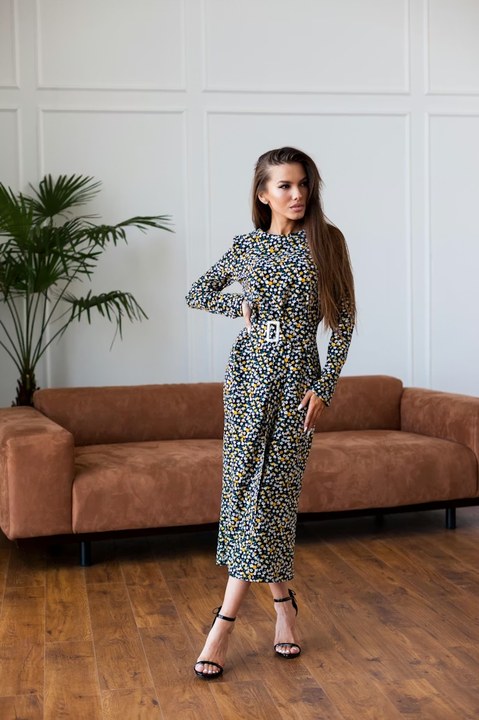
- Upload a photo of yourself (clear front-facing body shot works best)
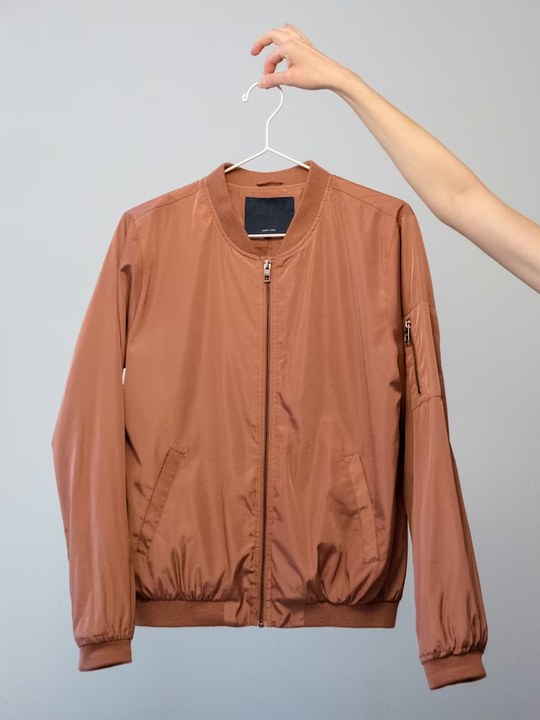
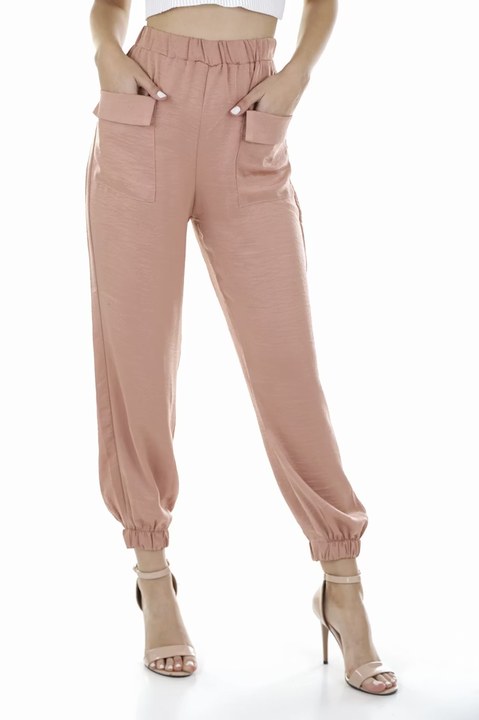
- Upload a reference photo of the outfit (single image) — or click "Add bottom garment" to provide top + bottom separately
- Click Generate — output ready in ~10-15 min
Features
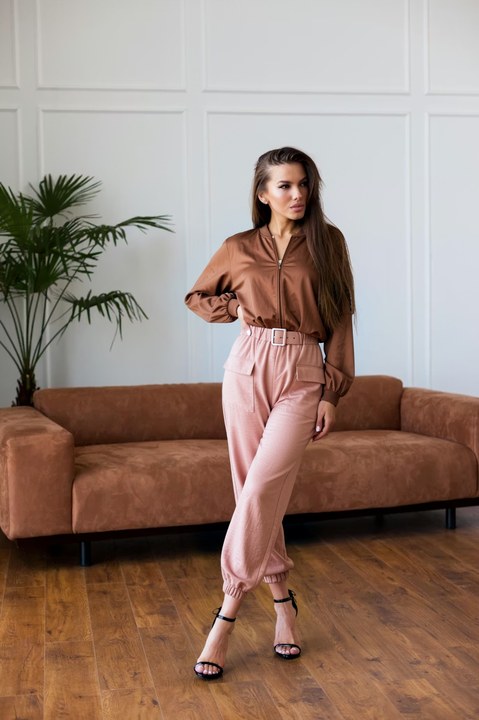
- Upload your photo + a single full-outfit reference, or split it into top + bottom for mix-and-match
- Identity stays locked: face, hands, held objects, background all byte-perfect
- Fashion-tuned generative AI with identity-preservation pipeline
- Mask-based pipeline — no compositing seams
- ~10-15 min per output (HD tier)
- Pro plan only
Frequently Asked Questions
- How is this different from the standard try-on?
- Standard try-on (~60s) runs in edit-mode and regenerates the whole person — face, body, and outfit — then we composite the original face/hands back in. There can be subtle compositing seams. HD try-on (~10 min) runs in mask-mode: pixels outside the body silhouette are kept byte-for-byte from your original photo, so face / hands / held items / background never change. Slower but seamless.
- Why does it take so long?
- The HD pipeline runs a heavy generative-AI inference pass at full resolution with multiple fine-tunes stacked. On our current GPU this takes ~10-15 min. We could make it faster with stronger hardware; for now this is the trade-off for HD quality.
- Will my face change?
- No. The mask covers only the body silhouette. Face, hair, neck, hands are preserved as original pixels. Only the visible outfit area gets repainted.
- What outfits work best?
- Anything the LoRA can read from a reference image — dresses, jackets, T-shirts, jeans, suits, full looks. For complex multi-piece outfits, upload one reference at a time.