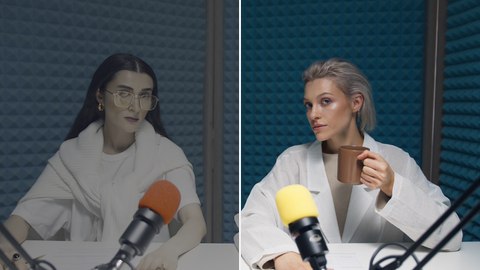
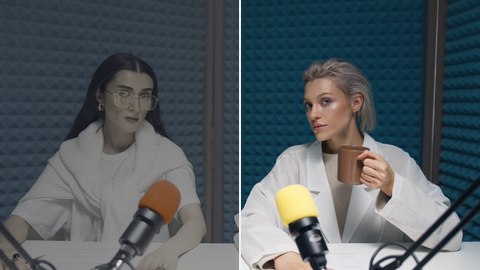
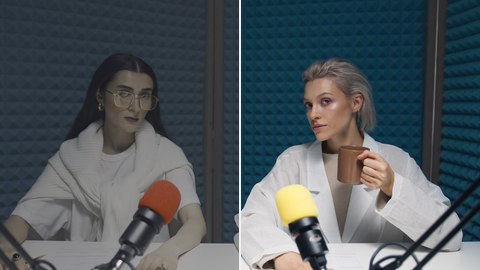
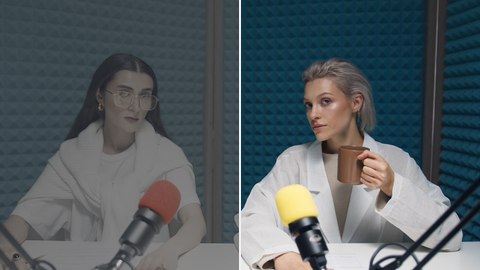
- Are these LUTs really free?
- Yes. Every LUT was generated by us from color math and published transfer curves, so there's no third-party rights holder. Use them in personal or commercial projects, no attribution needed.
- Do they work in Premiere / Resolve / Final Cut?
- Yes — they're standard 33-point .cube files with a 0-1 domain, the format every major editor imports. In Resolve drop them into the LUT folder; in Premiere use Lumetri's Creative Look; in Final Cut use the Custom LUT effect.
- Which conversion LUT should I use for my camera?
- Match the profile you recorded: D-Log (DJI), S-Log3 or S-Log2 (Sony), V-Log (Panasonic), Apple Log (iPhone 15 Pro and 16 Pro), C-Log3 or C-Log2 (Canon), F-Log, F-Log2 or F-Log2 C (Fujifilm), N-Log (Nikon) or Film Gen 5 (Blackmagic). The newer conversions also map each camera's wide color gamut into Rec.709. For DJI D-Log M or a profile that isn't listed, the Universal flat-log LUT restores contrast, or upload your camera maker's official LUT to the apply-LUT tool.
- What's the difference between a conversion LUT and a creative LUT?
- Conversion LUTs are technical: they turn flat, washed-out log footage back into normal-looking color. Creative LUTs are stylistic: they push footage toward a mood — teal & orange, faded film, monochrome. On log footage, convert first, then stack a creative look.