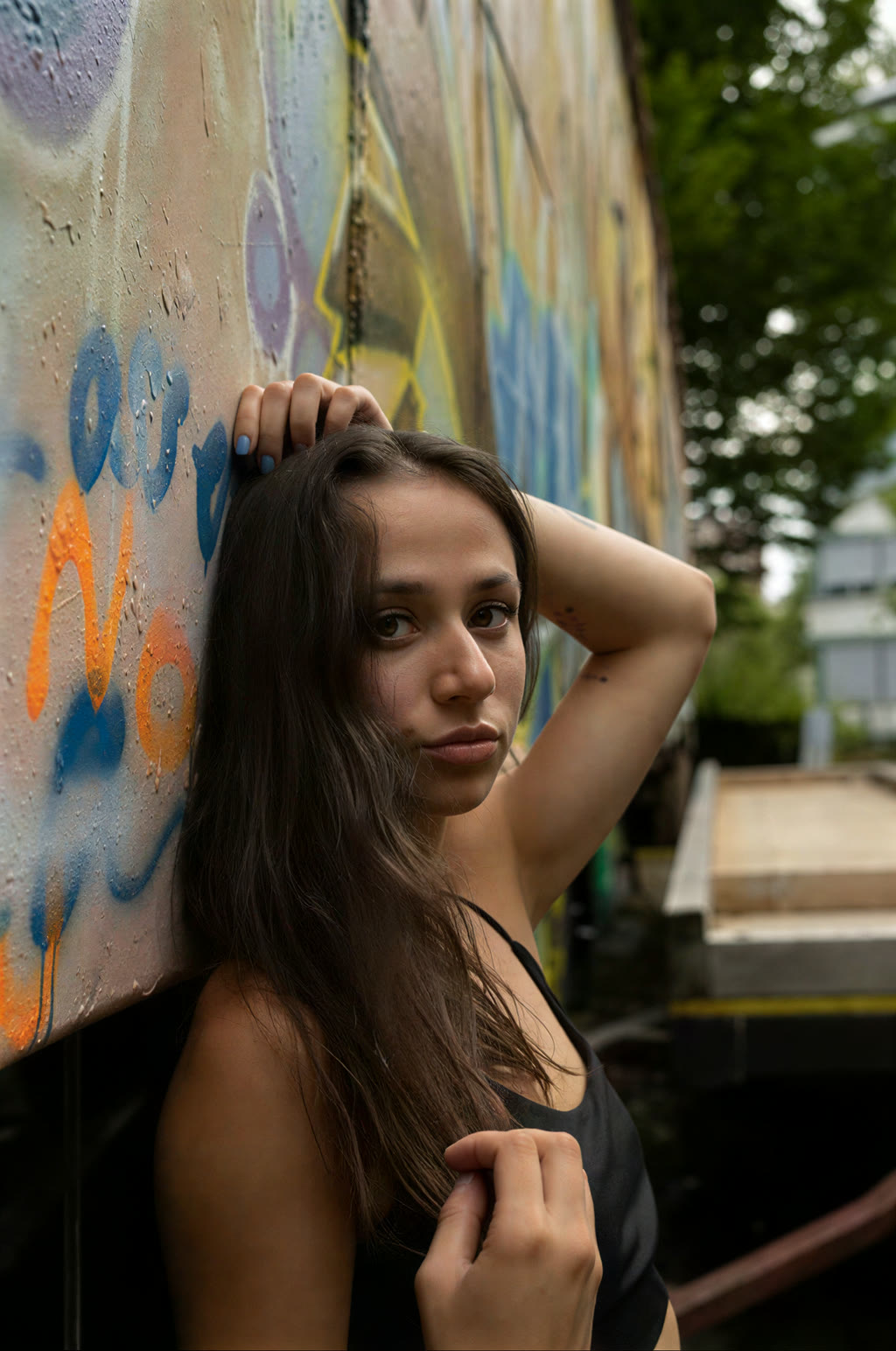
How to Use AI Upscale Image
- Upload an image file (JPG, PNG, WebP, or any common format)
- Select 2x or 4x upscale factor
- Choose an AI model — Fast for most photos, Quality for maximum detail, Anime for cartoon/anime
- Click Process — AI enhances the resolution on our GPU servers
- Download the upscaled image
Features
- AI-powered upscaling with our neural network — same model used by our video tool
- 2x or 4x resolution increase with sharp, natural detail
- Works on photos, artwork, screenshots, and low-resolution images
- Fast, Quality, and Anime modes — pick the right one for your image
- Supports JPG, PNG, WebP, BMP, and TIFF input
- Output as high-quality PNG
Frequently Asked Questions
- How does AI image upscaling work?
- Our AI upscaler uses a neural network trained on millions of image pairs to predict and generate fine details when increasing resolution. It produces much sharper results than traditional resizing (bilinear, bicubic).
- What's the difference between 2x and 4x?
- 2x doubles the width and height (4x total pixels). 4x quadruples them (16x total pixels). 4x takes longer but produces a much larger, more detailed image.
- Can I upscale old or blurry photos?
- Yes — the AI upscaler is particularly good at enhancing old, compressed, or low-resolution photos. It adds natural-looking detail and sharpens edges without creating obvious artifacts. For portraits, also try our Photo Restoration tool which includes face-specific reconstruction.
- Is there a size limit?
- The AI processes on GPU servers, so very large images (over 4K) may take longer. For best results, start with the highest quality source image you have.
- Is this really free?
- Yes — image upscale is free for everyone, with credits charged only on download to cover GPU cost. Video upscale is a Pro feature because it requires ~1 hour of GPU time per minute of video.
- How does this compare to Let's Enhance or Vance AI?
- Let's Enhance and Vance AI charge per upscale; this tool is free for short jobs and runs the same class of neural-network upscalers (Real-ESRGAN / HAT family). Quality is comparable for most photos.