Limited offer: 25% off your first month of any plan with code WELCOME25. See plans →
Letterbox
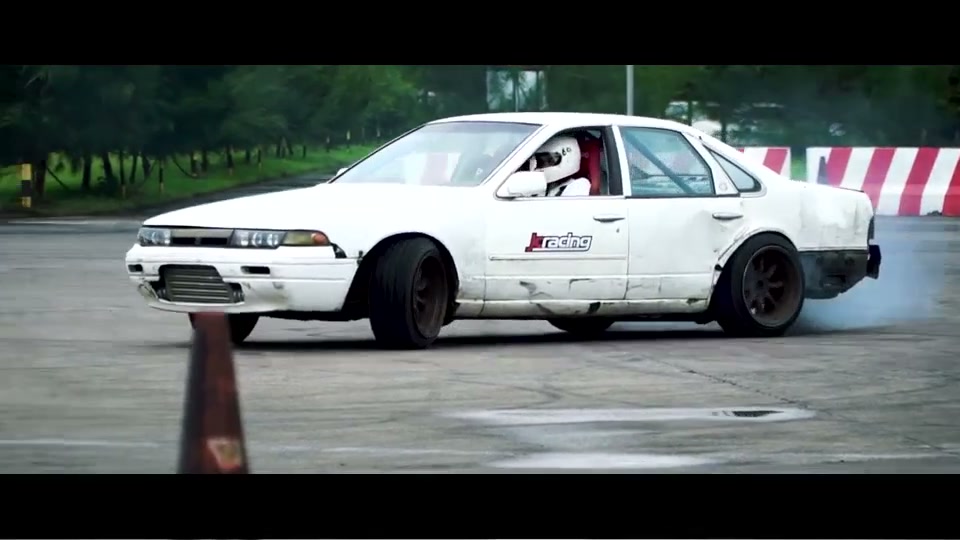
Add cinematic black bars to any video. Choose popular aspect ratios like 2.35:1 Cinemascope or 21:9 ultrawide.
Letterboxing adds horizontal black bars above and below a video (or image) so it plays in a wider cinematic aspect ratio such as 2.35:1 Cinemascope, 2.39:1, or 21:9 without cropping the picture. EditClips.online adds letterbox bars free in your browser: drop a video or image, pick the ratio preset, choose the bar color (black by default), click Process, and download the result — no upload, no watermark.