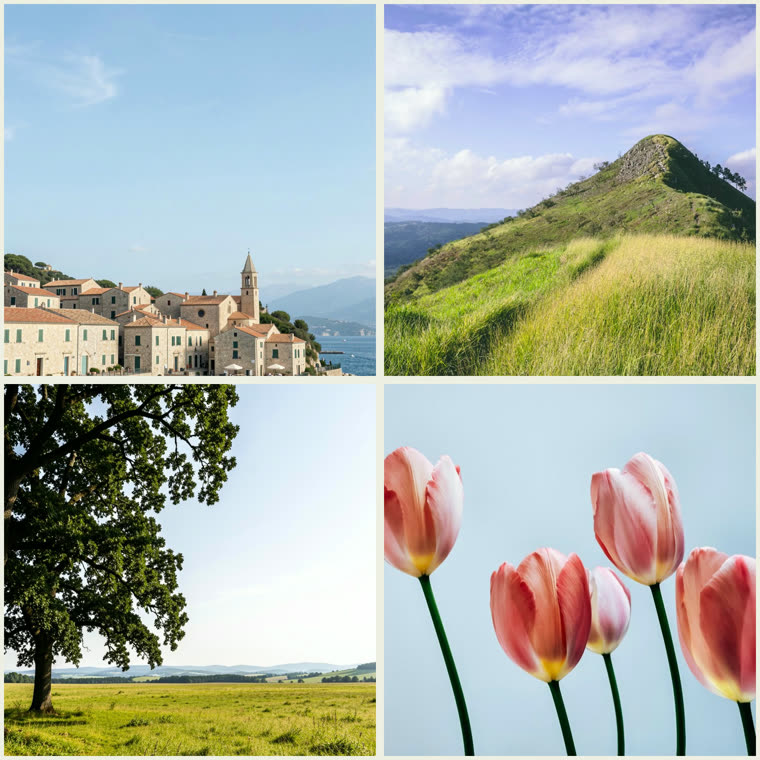

How to Use Photo Grid Maker
- Add your photos by dragging, clicking, or pasting
- Choose a grid layout (2×2, 3×3, etc.)
- Set the gap, corners, and background color
- Reposition each photo in its cell if needed
- Click Download PNG to save your grid
Features
- Grid layouts from 2×2 up to 3×3 and 2×3
- Square, portrait, story, landscape, and 3:2 shapes
- Even spacing with adjustable gap and rounded corners
- Reposition and zoom each photo inside its cell
- Download a high-res PNG — free, no signup, no watermark
Frequently Asked Questions
- How do I make a photo grid?
- Add your photos, pick a grid layout like 2×2 or 3×3, adjust the spacing and background, and click Download. The grid is composited entirely in your browser — nothing is uploaded.
- Can I change the spacing between photos?
- Yes. Use the Gap slider for the space between cells, and the Corners slider to round each photo's edges.