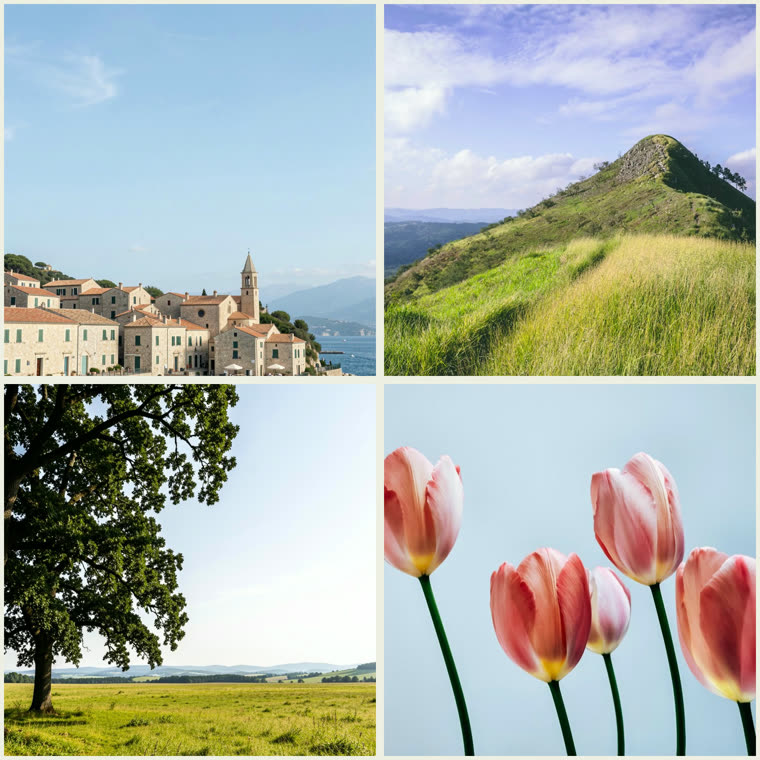

How to Use Instagram Collage Maker
- Drop your photos in, click to browse, or paste with Ctrl+V
- Keep the square (1:1) shape for an IG feed post
- Pick a grid layout and reposition photos as needed
- Adjust spacing, corners, and background
- Click Download PNG and post it to Instagram
Features
- Square (1:1) canvas sized for an Instagram feed post
- Combine 2 to 6 photos in grids, splits, and mosaics
- Reposition and zoom each photo in its cell
- Custom background color or gradient, spacing, and rounded corners
- Download a high-res PNG — free, no signup, no watermark
Frequently Asked Questions
- What size is an Instagram collage?
- This maker exports a square (1:1) high-resolution PNG, the ideal shape for an Instagram feed post. For Stories or Reels covers, switch the shape to 9:16.
- Is it free?
- Yes — completely free, no signup, and no watermark. Everything happens in your browser, so your photos are never uploaded.