How to Use Add Text to MP4
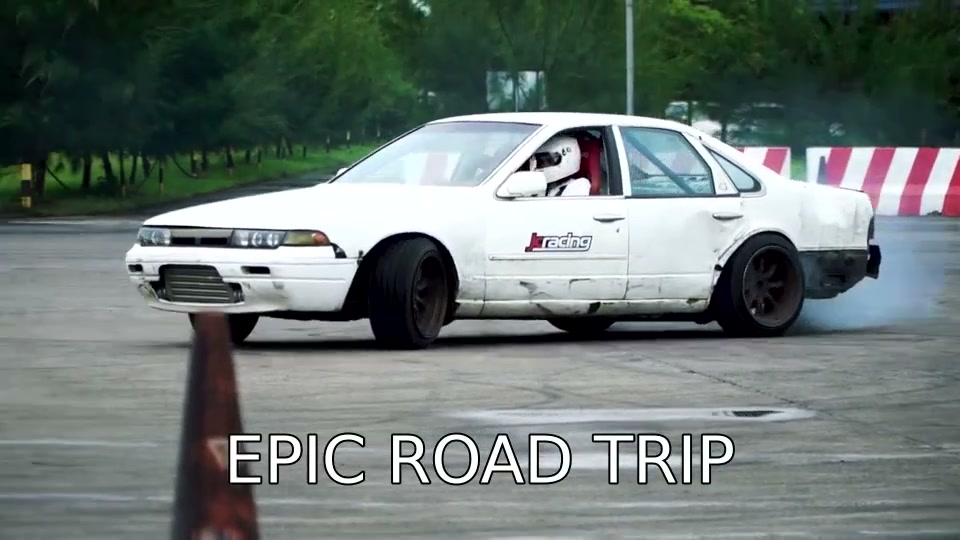
- Upload your MP4 video file
- Type the text you want to overlay
- Adjust font size, stroke, and background styling
- Click Process and download the video with text
Features
- Add custom text overlay to any MP4 video
- Customizable font size (12-200px) and stroke width
- Optional background box for better readability
- Text is permanently burned into the video
Frequently Asked Questions
- How do I add text to an MP4 video?
- Upload your MP4, type your text, adjust font size and styling, then click Process. The text is burned into the video.
- Can I change the text position?
- The text is centered by default. You can adjust font size and add a background box for better visibility against different backgrounds.