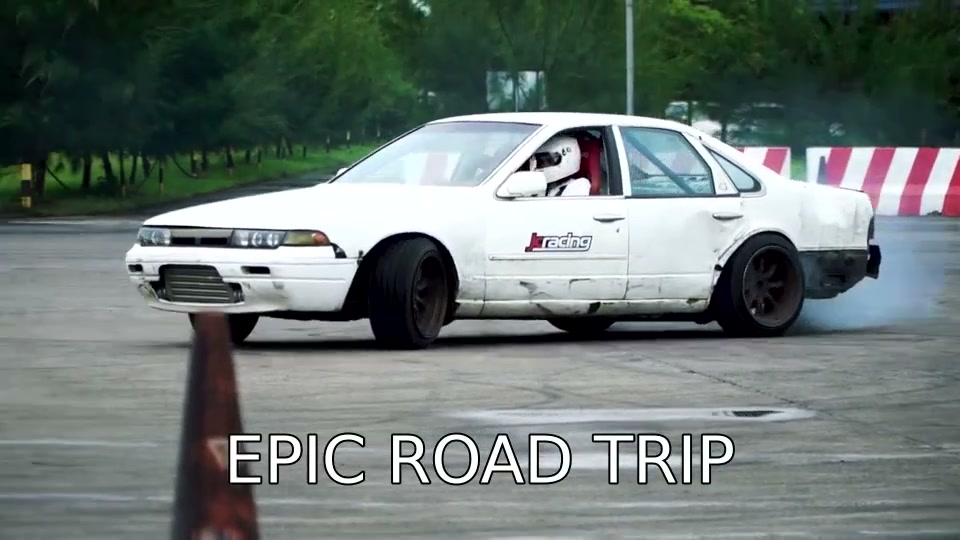
How to Use Add Text to Video Online
- Upload your video file
- Type the text you want to add
- Customize font, size, color, and position
- Set when the text appears and disappears (optional)
- Process and download your video with text overlay
Features
- Add custom text anywhere on the video with drag positioning
- Choose font, size, color, outline, and shadow styles
- Set text timing — show text at specific timestamps
- Perfect for titles, lower thirds, captions, and watermarks
- Works with MP4, MKV, MOV, WebM video formats
- Free with no watermark or signup required
Frequently Asked Questions
- Can I add text to a video for free?
- Yes, completely free. Upload any video, add your text with custom styling, and download the result — no watermark, no signup, no hidden fees. Everything processes in your browser.
- Can I add multiple text elements?
- You can add text overlays to your video with full control over position, font, size, and color. For automatic subtitle generation from speech, try our AI-powered auto subtitle generator.
- What's the difference between this and AI subtitles?
- This tool lets you manually add specific text at specific positions and times. AI Subtitles uses AI (AI) to automatically transcribe speech and generate timed subtitles — ideal when you have spoken content.
- Can I add text to videos for social media?
- Yes. Add titles, captions, or call-to-action text to videos for YouTube, Instagram, TikTok, or any platform. The output is a standard MP4 file ready for upload.