Limited offer: 25% off your first month of any plan with code WELCOME25. See plans →
Matcha Filter for Photos
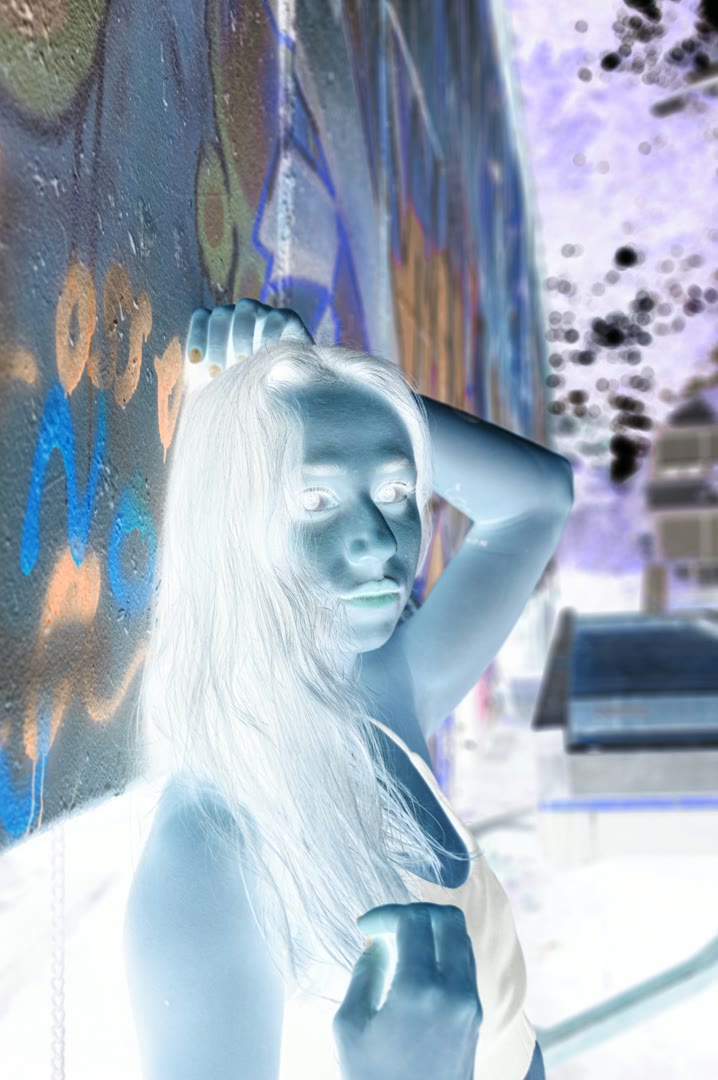
Turn any photo into the matcha filter look — green and black, high contrast, psychedelic. Upload a picture, keep Matcha selected, download.
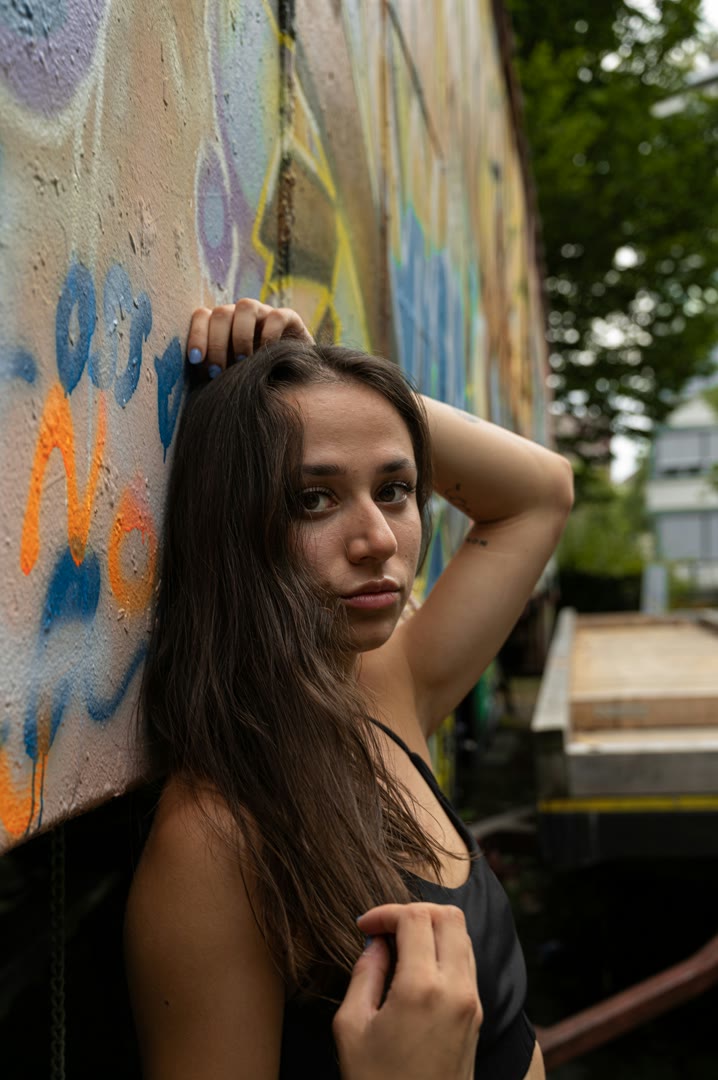
The matcha filter turns a photo into shades of green and black with a psychedelic, high-contrast feel — the look from the 2026 TikTok trend. EditClips.online applies it to any picture: upload a JPG, PNG or WebP, keep Matcha selected in the effect list, adjust the strength, click Process and download. The effect is rendered on our servers; a free account downloads 2 photos a day, and any plan downloads more.
The matcha look from the 2026 TikTok trend on any photo
Strength slider for a full or partial effect
JPG, PNG and WebP in, your choice of format out
Rendered on our servers — nothing to install
Frequently Asked Questions
What does the matcha filter do to a photo?
It maps the picture to a green-and-black palette with strong contrast, so faces and objects look like a psychedelic matcha-colored print. Bright areas turn pale green, shadows turn deep green and black.
Is it free?
It is free to try: a free account downloads 2 photos a day; more need a plan, because the effect is rendered on our servers.