Limited offer: 25% off your first month of any plan with code WELCOME25. See plans →
Add Black Bars to Video
Add horizontal black bars to the top and bottom of any video for a cinematic widescreen look. Free and browser-based.
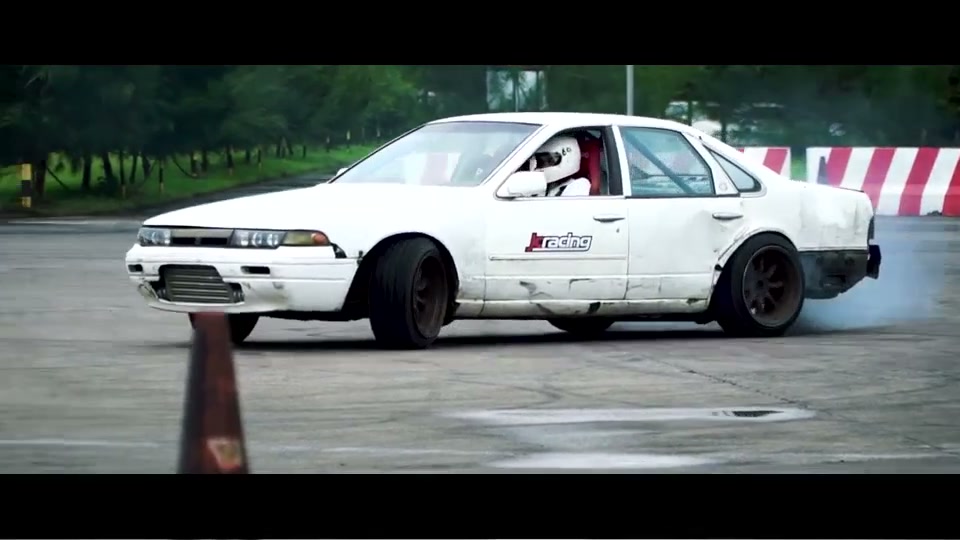
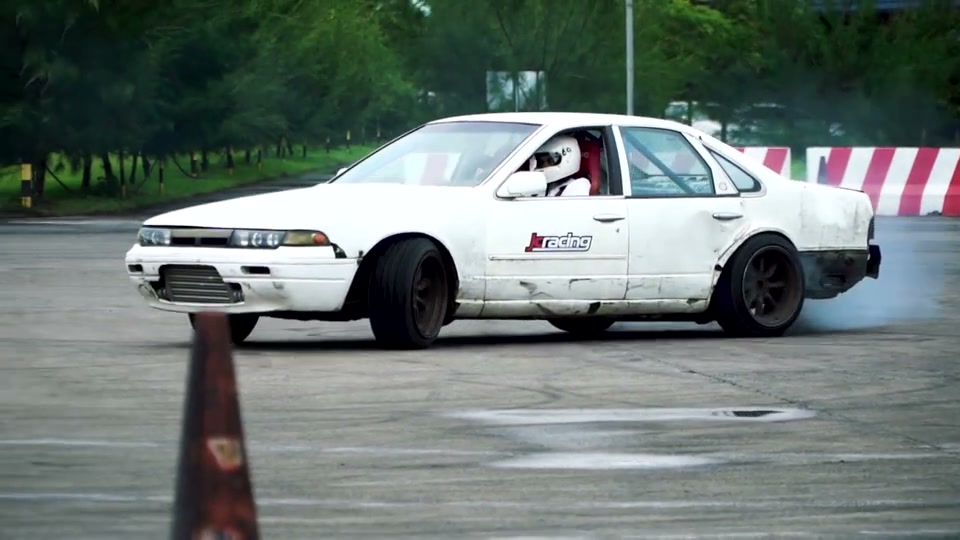
Adding black bars (letterboxing) places horizontal bars above and below the picture for a cinematic widescreen look without cropping anything. EditClips.online adds the bars in your browser: drop in the video, pick a target ratio like 2.35:1 Cinemascope, 1.85:1, or 21:9 ultrawide — or change the bar color — then click Process and download the letterboxed video. Nothing is uploaded.
Drag to compare
Original
Cinematic 2.35:1
Drop files here or click to browse
Max 100 MB
or press Ctrl+V to paste
100% private — files never leave your device
·
Free — no sign up, no watermark
Upload a file to get started
Have feedback?
How to Use Add Black Bars to Video
Upload your video
Select an aspect ratio preset or enter a custom ratio
Click Process to add the bars
Download the letterboxed video
Features
Add black bars for cinematic widescreen look
Multiple aspect ratio presets
Custom bar color option
100% private — processed in browser
Frequently Asked Questions
How do I add black bars to a video?
Upload your video, select the desired aspect ratio (e.g. 2.35:1 for cinematic), and click Process. Black bars are drawn at the top and bottom of the frame.
Can I change the bar color?
Yes. The default is black, but you can set any color using the color picker.